Screen Translate Screen Translate
v4.3 · NEW: SCREENSHOT TRANSLATION ↓

Read everything on your screen, in your own language.

Real-time OCR and 9 AI engines translate every word on your phone screen in seconds — without ever leaving the app you are in.
7
Translation modes
9
AI engines
50+
Languages
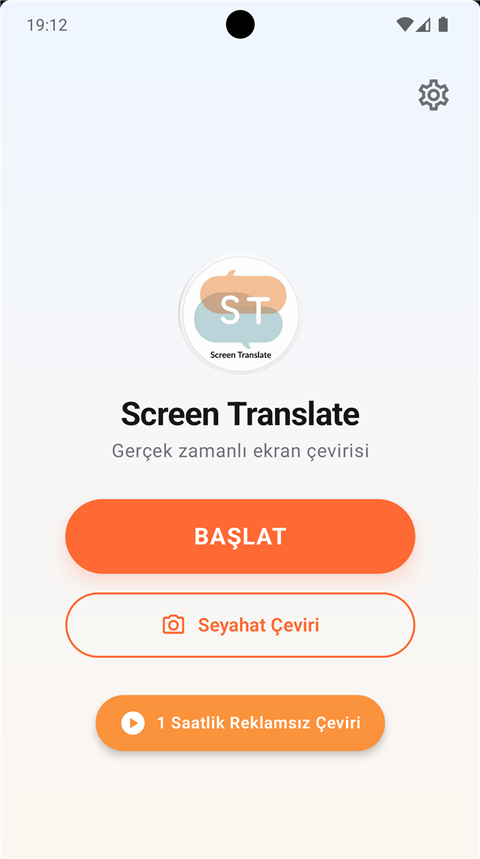
Screen Translate home screen
SOURCE
Press Start to play
TARGET
Press Start to play
NEW IN v4.2
SCREEN TRANSLATE IN 22 SECONDS

No more switching apps just to translate.

Translates every word on your screen instantly, right on top of it — chats, games, social media, even Japanese manga. No copy-paste, no app switching.

  • 07  translation modes — Chat, Social Media, Game, Touch, Custom Region, Manga
  • 09  translation engines — Gemini, DeepSeek, DeepL, Azure, Claude, ChatGPT, Groq, Google, ML Kit
  • 04  OCR engines — ML Kit, Cloud Vision, Azure, Manga OCR
Download free on Google Play →
IN ACTION

One tap. Instant translation.

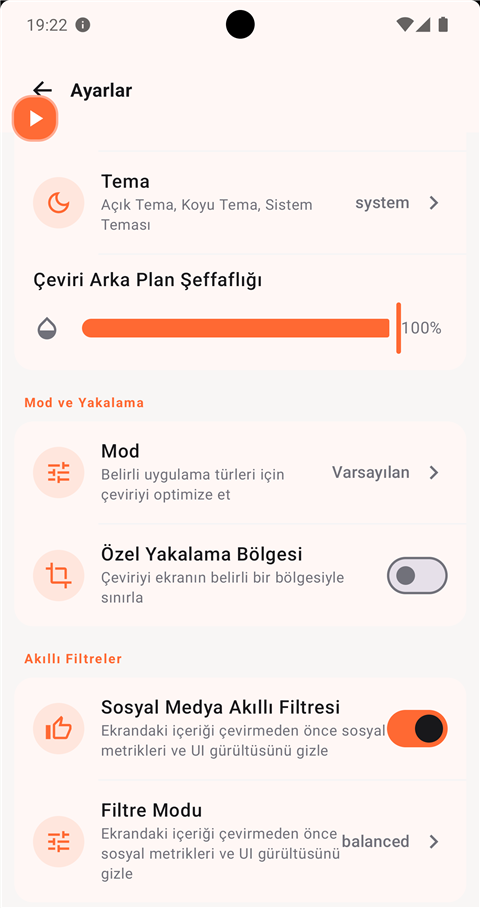
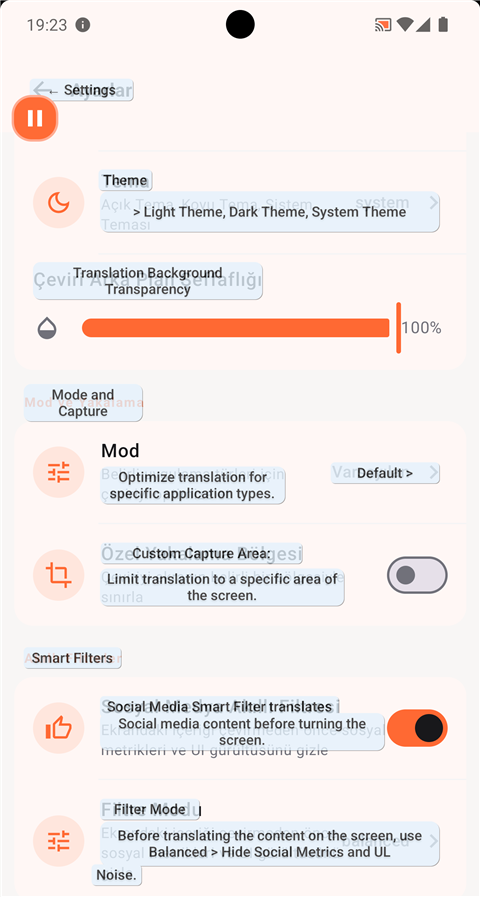
Capture the screen and the text is translated right on the overlay. You never have to leave the app you are reading.
before
Before — the original screen
→
~0.8s average translation time
after
After — the translation overlay
7 TRANSLATION MODES

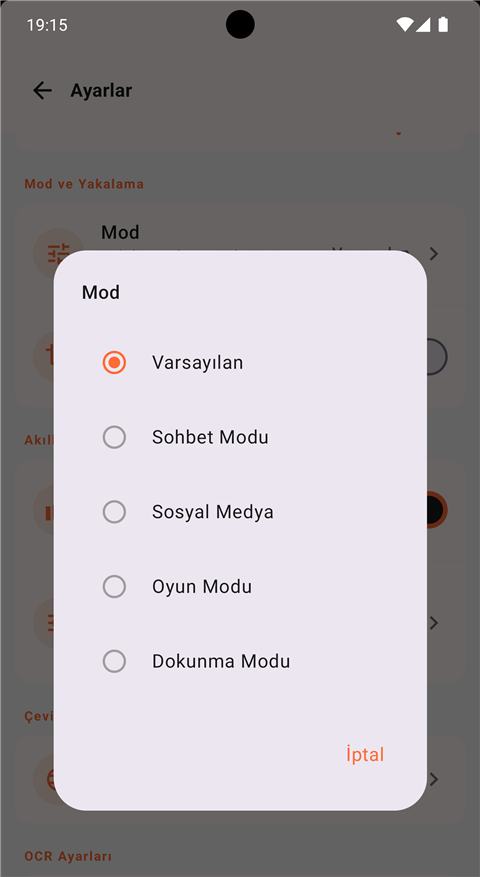
A dedicated mode for every situation

From everyday use to gaming, from chats to travel, from manga to the camera — every mode is tuned for its own job.
01

Default

General screen translation that works with every app. Continuously scans the screen and translates the text.

Screen capture
02

Touch Mode

Translate the word you tap or the sentence you swipe. Ideal for learning a language, and easy on the battery.

Screen capture
03

Chat Mode

For WhatsApp, Telegram and Instagram DMs. Translates incoming and outgoing messages in real time.

Accessibility
04

Game Mode

Low-latency translation for mobile games. Menus, dialogue and quests — with no FPS drop.

Screen capture
05

Social Media

A smart filter for Twitter, TikTok and Instagram. Skips the like/button noise and translates the content.

Screen capture
06

Travel Mode

Point the camera at a menu, a sign or a document — AI translates it instantly, with context notes.

Camera · Pro
07
NEW · v4.2

Manga Mode

Finds the speech balloons, reads vertical Japanese and translates the whole page in one go. The optional on-device Manga OCR engine makes Japanese recognition far more accurate.

Screen capture · Japanese / Chinese / Korean
mode picker
MOD · MODE

Switch modes with a single tap

9 TRANSLATION ENGINES

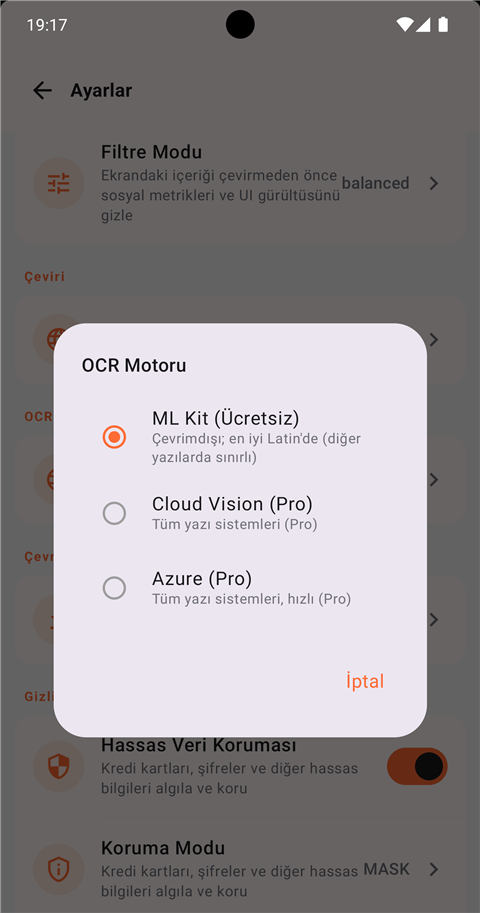
Nine engines. Zero downtime.

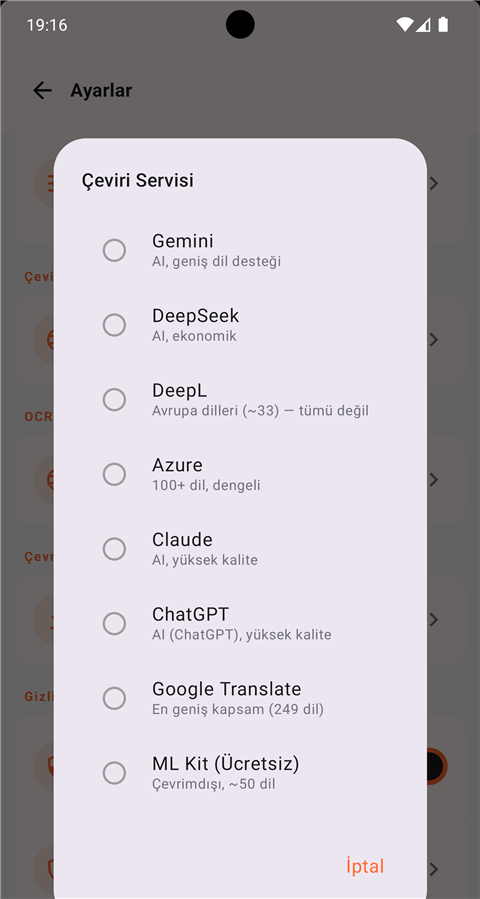
If one engine stalls, smart fallback moves to the next. You can also pin a single engine if you prefer.
Gemini
Highest-quality AI
DeepL
European languages · Pro
Claude
Context-aware · Pro
ChatGPT
GPT-4o · Pro
Azure
100+ languages · Pro
Google Cloud
Fast & reliable
DeepSeek
Economical AI
Groq
Ultra-fast open model
ML Kit
Offline · 100% private
Default fallback chain
Groq → Gemini → Google Cloud → ML Kit
engine picker
Choose from 9 engines
ocr picker
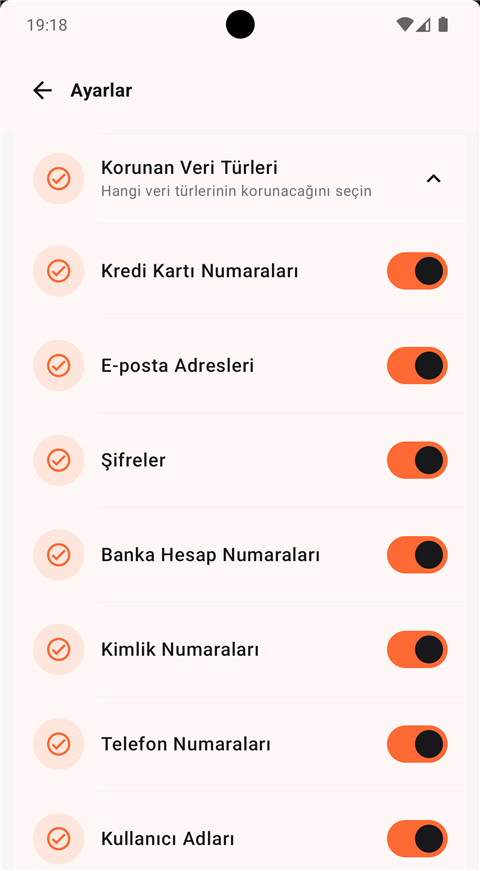
Text recognition with 4 OCR engines
REAL TIME

OCR at GPU speed.

With TensorFlow Lite GPU acceleration, text recognition in 50 source languages is lightning fast. Choose from four OCR engines — including the on-device Manga OCR built for manga.
ML Kit OCR
Entirely on your device, offline. Your data never leaves the phone.
Cloud Vision
Cloud-based, with high accuracy.
Azure Vision
Pixel-accurate recognition · Pro.
Manga OCR NEW
A dedicated on-device model for Japanese manga balloons · optional download.
real-time overlay
privacy settings
PRIVACY

Your data stays on your device.

100% local translation with ML Kit — no internet needed and no text is ever stored. Sensitive data is filtered automatically.

✓Fully local processing option
✓Translated text is never stored
✓Sensitive data protected automatically

50 OCR languages. 50+ target languages. 14 interface languages.

Europe, Asia, the Middle East and beyond — with automatic language detection.

Start translating your screen.

Android 7.0+ · Free download · Ad-free Pro option

Get it on Google Play
Android 7.0 (API 24) and above · ARM64, ARMv7, x86_64